Commencement Ceremonies
Congrats to the Class of 2026! Celebrate the achievements, stories, and unforgettable moments from UMass Boston’s commencement ceremonies.
View Commencement Stories
Congrats to the Class of 2026! Celebrate the achievements, stories, and unforgettable moments from UMass Boston’s commencement ceremonies.
View Commencement StoriesReady for an education that inspires you? Use our Program Finder to explore our 200+ undergraduate and graduate programs—including in-person, hybrid, and online options.
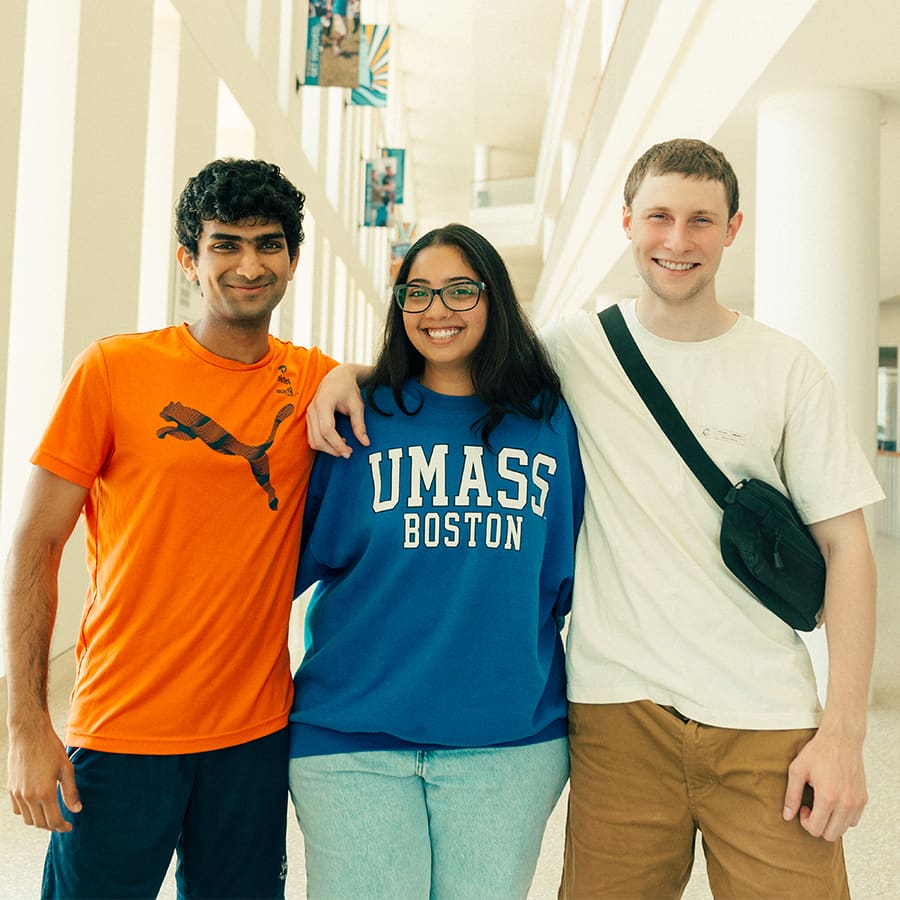
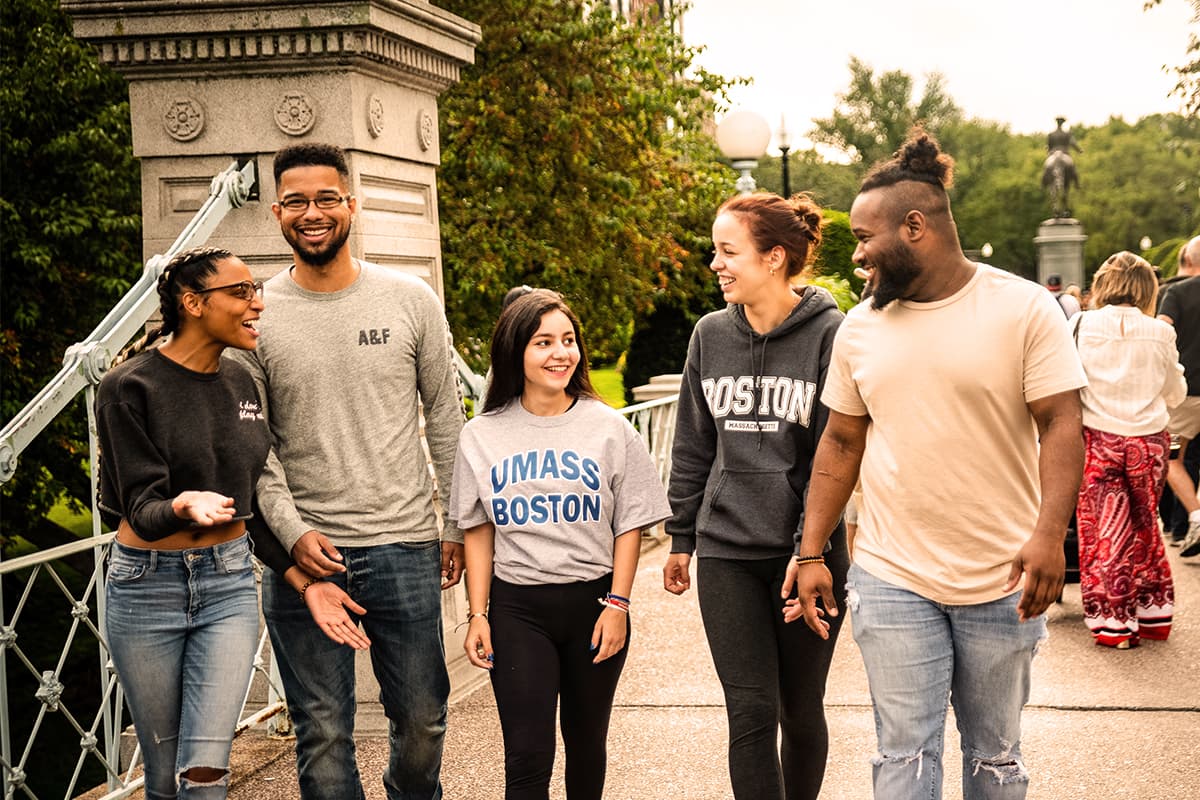
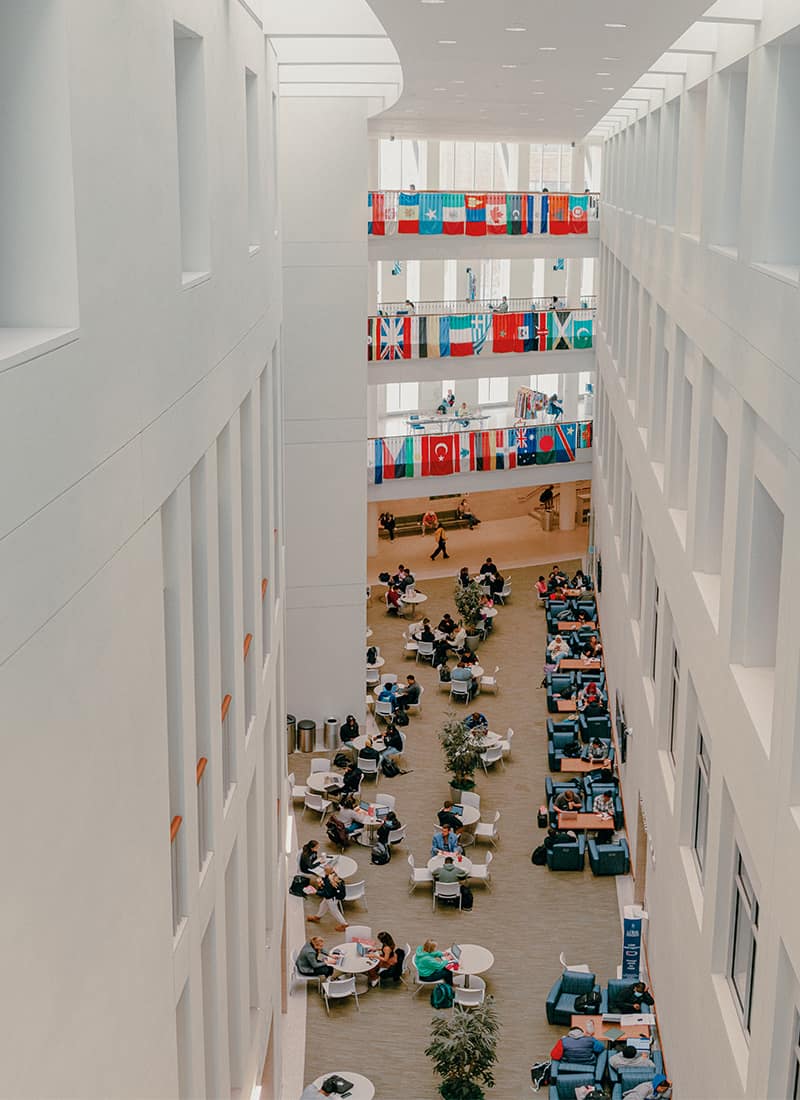
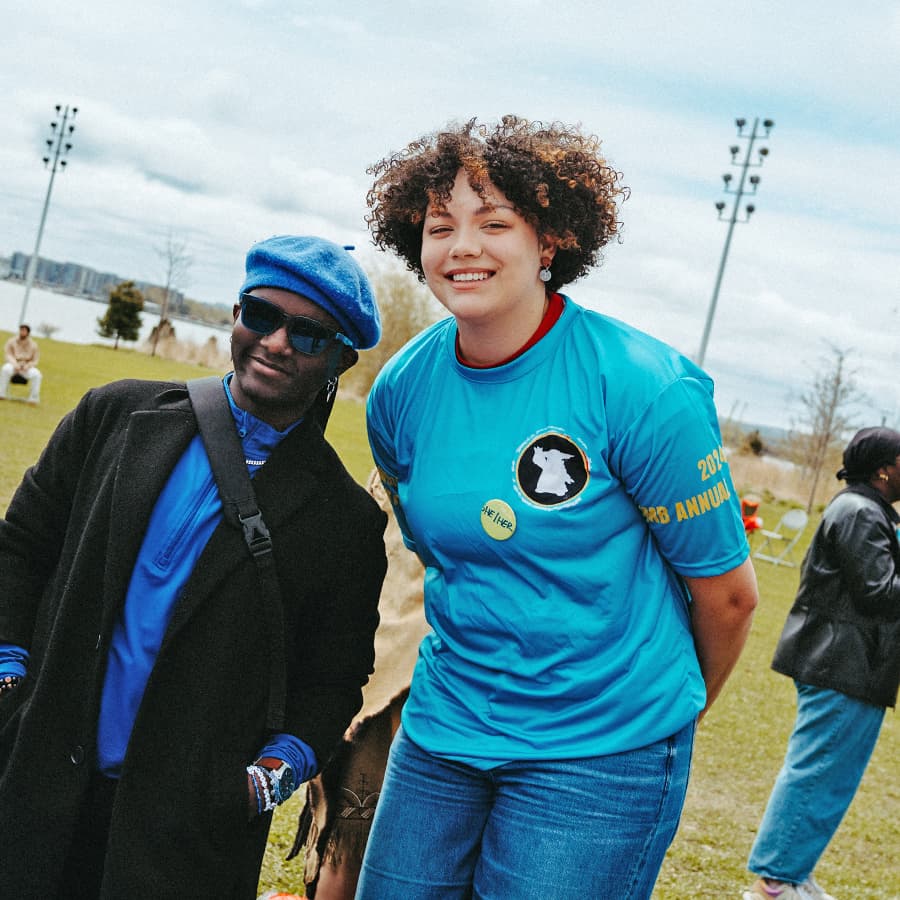
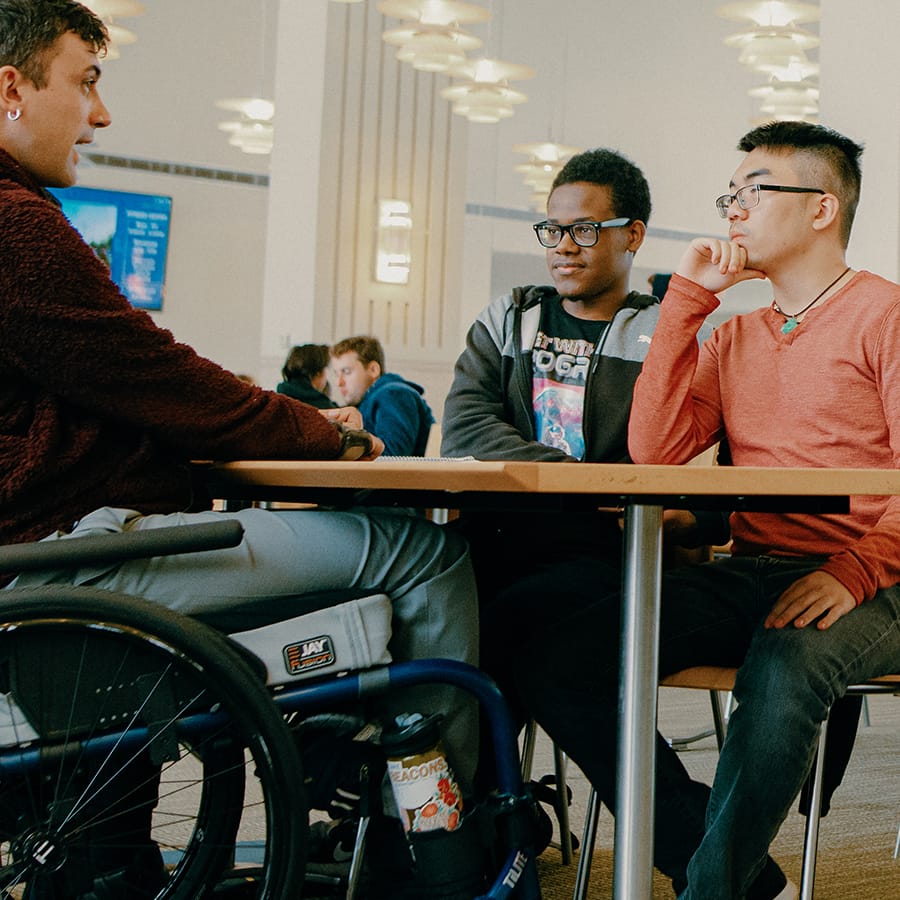
UMass Boston welcomes, champions, and celebrates diversity. We are proud to be the most diverse college campus in New England, and the third most diverse in the U.S. Become a Beacon and enrich our community with your unique background and experience.
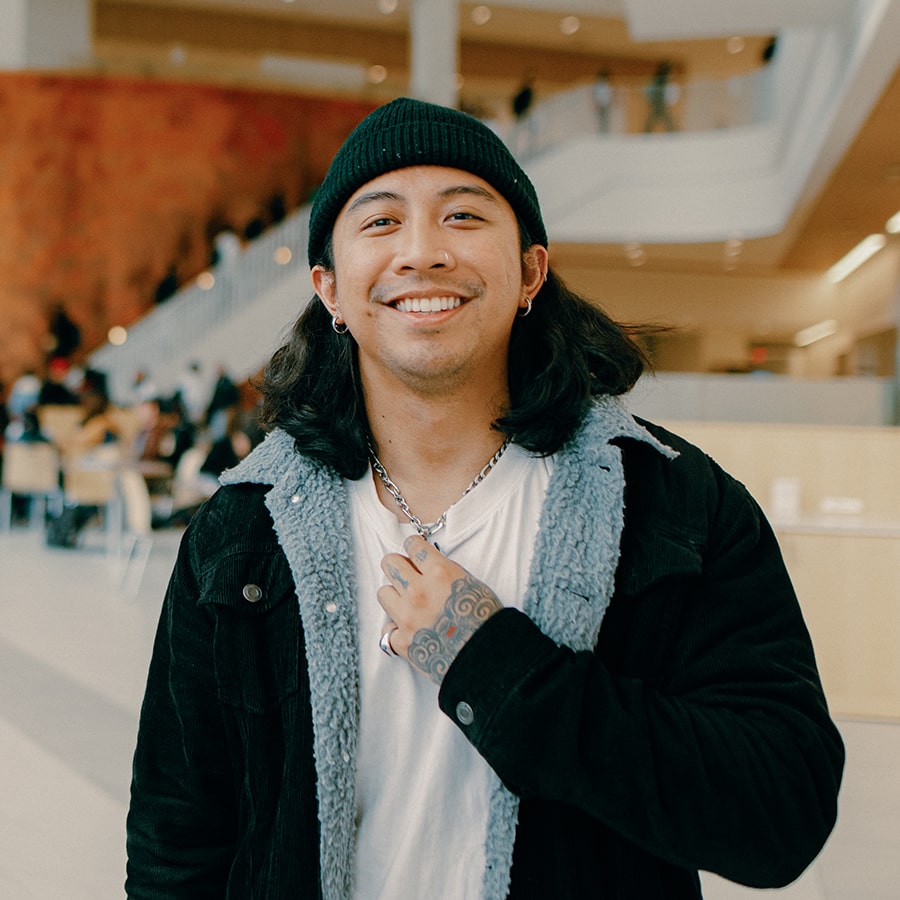
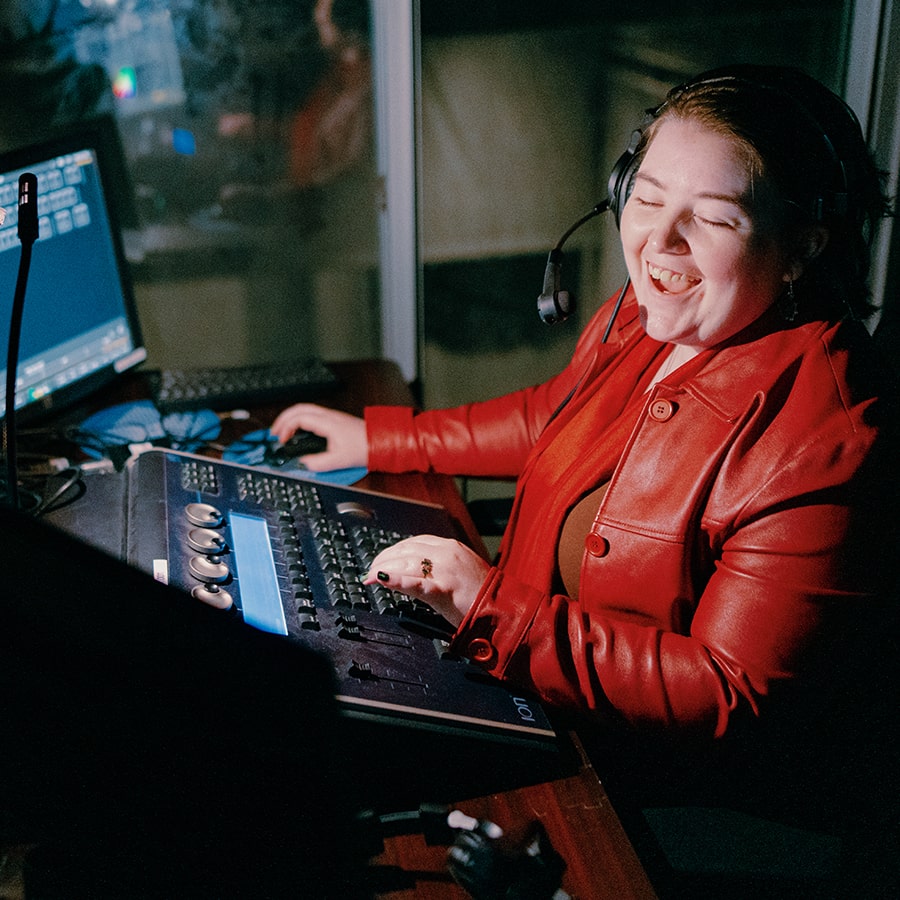
UMass Boston is a very diverse school. A lot of schools claim that they are, but I feel it here. I've always embraced my self-expression with my tattoos and then being in the queer community, and I've always felt accepted here.Harley Play Video
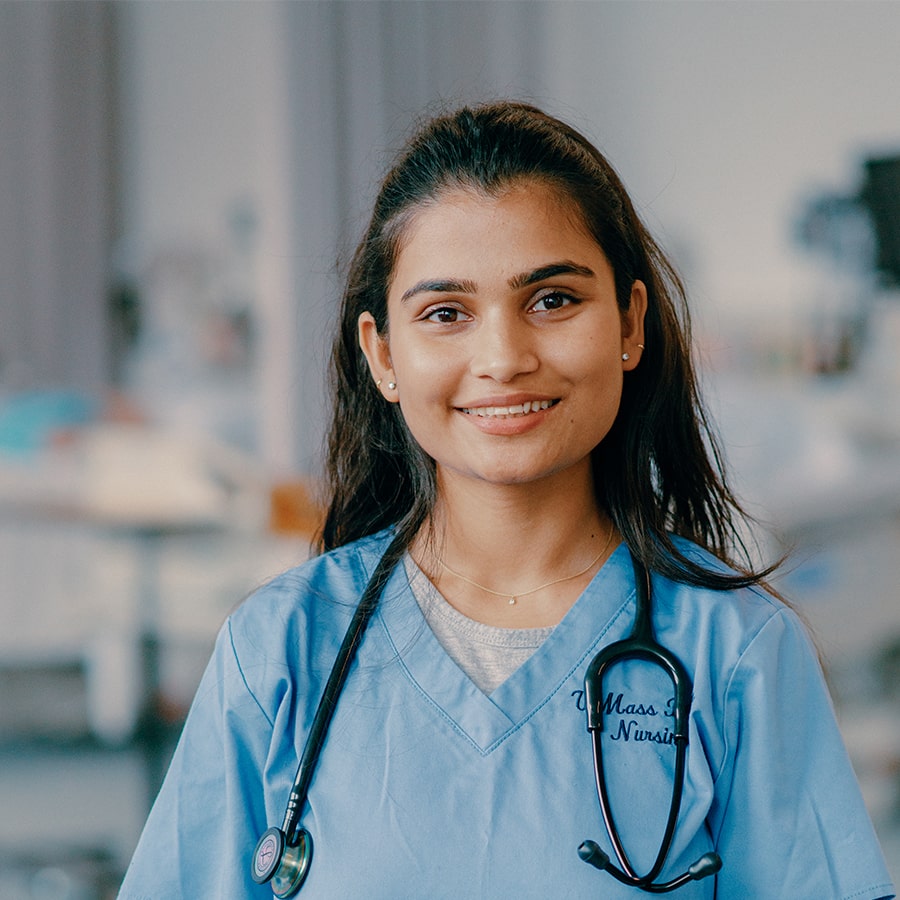
I'm a first-generation student. My parents didn't get the opportunity to graduate from college, and to be here I'm not only fulfilling my dream, but I'm fulfilling my family dream—my parents' dream.Anjali Play Video
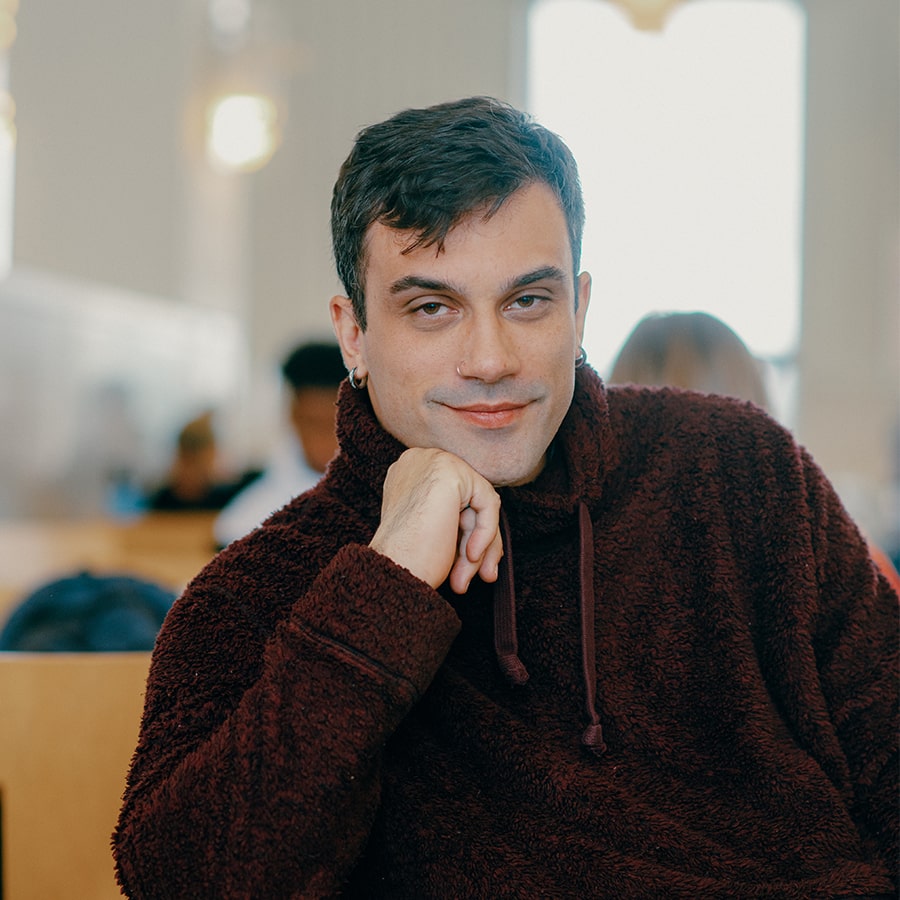
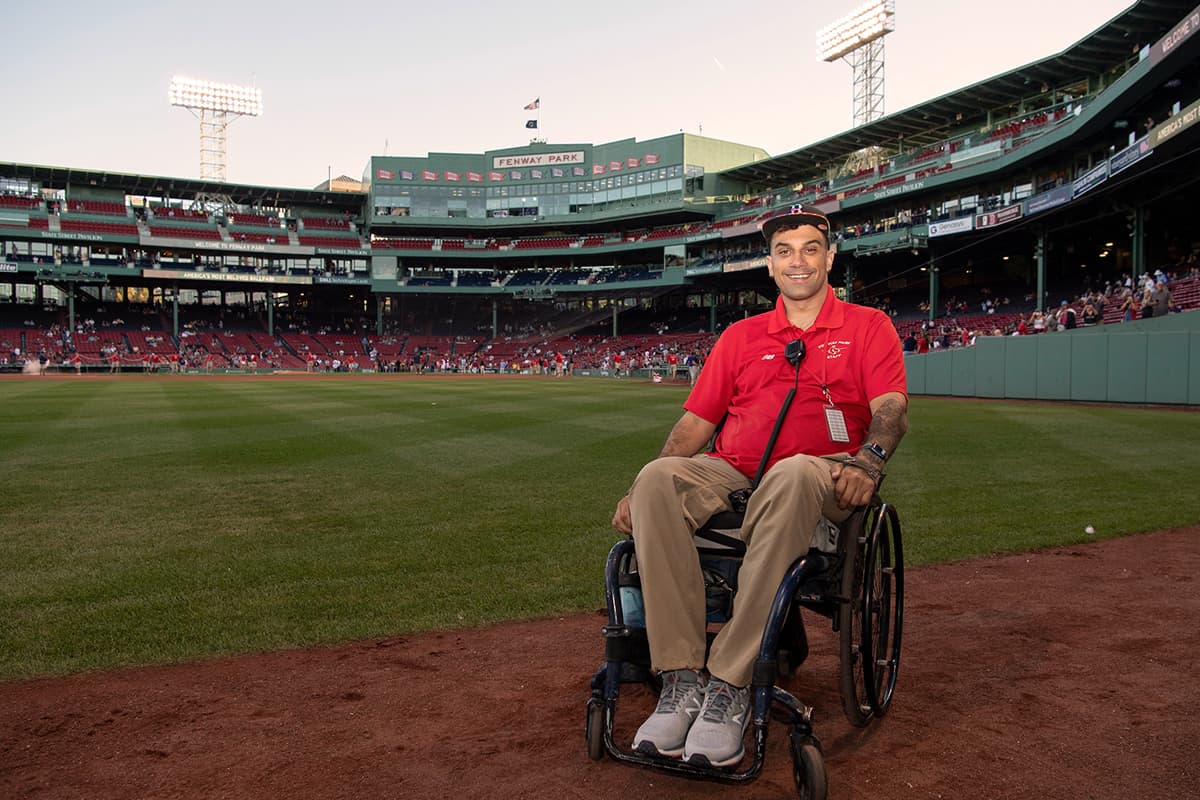
I work at Fenway, I study at UMass Boston, I live in Charlestown. Being here is really a dream come true for me. I can't even actually believe that this is my life. I'm really excited for my future because it looks so different than what I had planned and what I thought. This injury started off as something I thought was going to end my life, and it ended up opening so many doors—and UMass Boston was one of them.Stefan Play Video
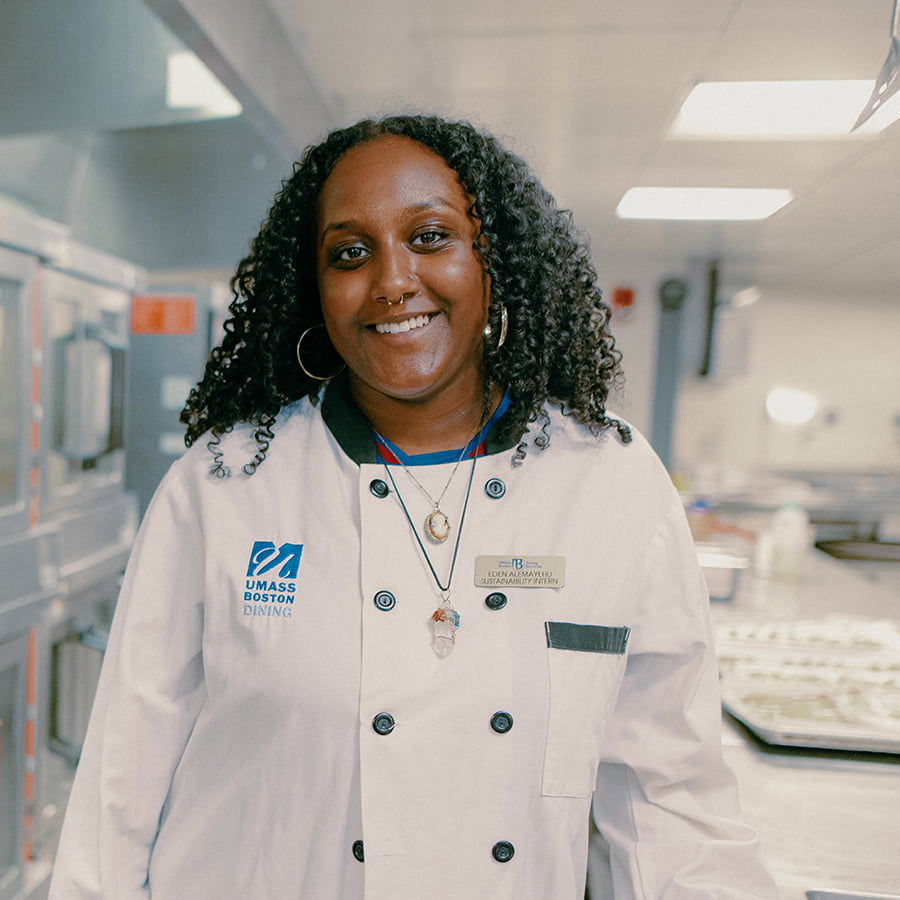
The thing about UMass Boston is the professors are very passionate about what they teach... They're able to open a lot of doors, and they do provide a lot of resources for you.Eden Play Video
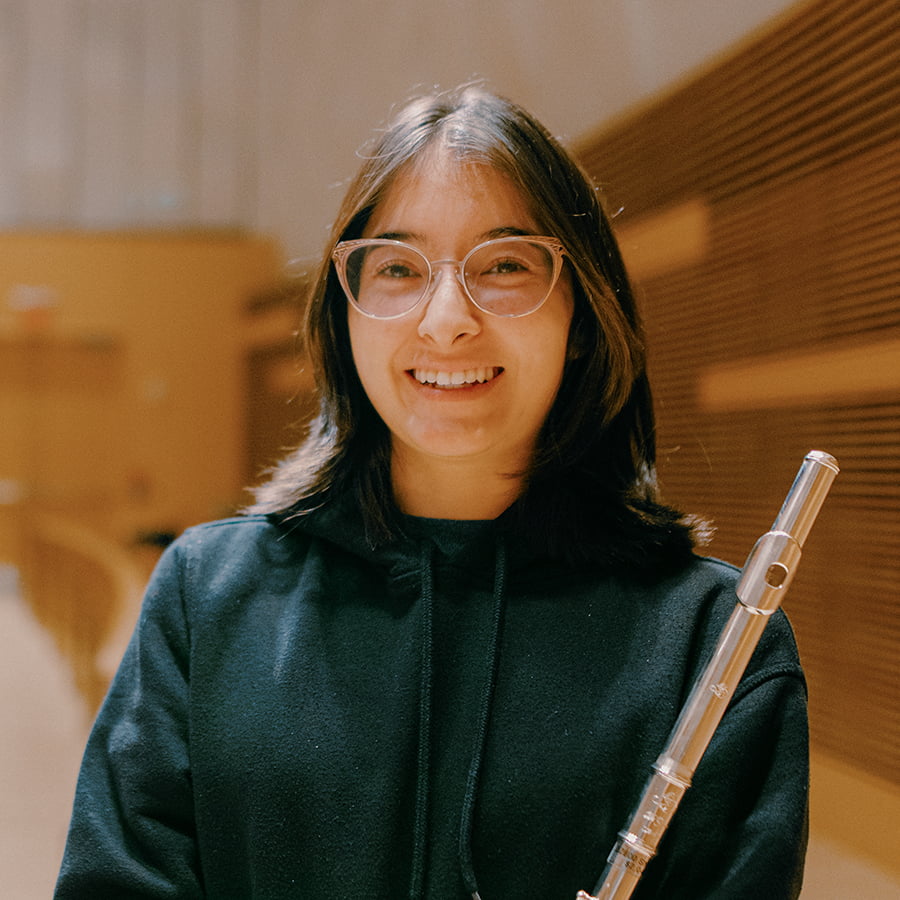
When it comes to my impact on the world, I want it to be through music. And hopefully what I teach my students, they can teach to their students, creating music together to bring a positive change to the world.Mya-Jai Play Video
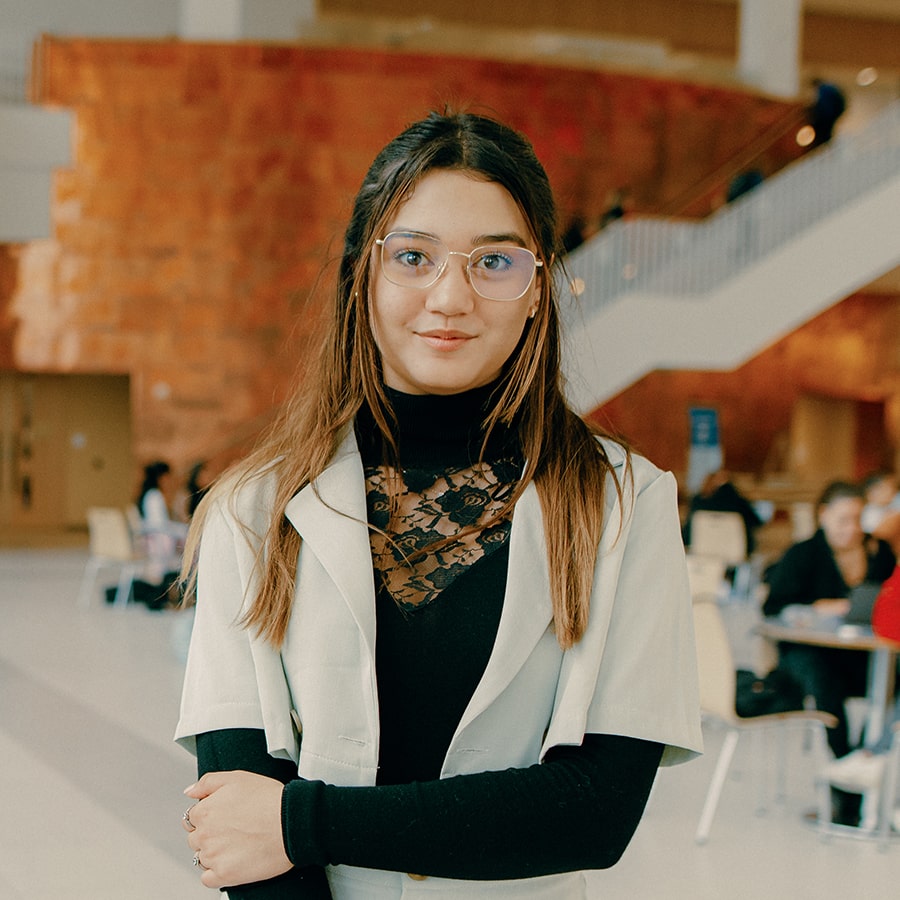
First day at campus, I was really scared because it was a different language, a different culture. My whole life changed, but everyone was so welcoming and made me feel safe. I was really happy. It was a huge opportunity. It was a new start in my life. I want to be an ambassador because I want to give voice to those people that don't have a voice.Valerie Play Video

06/09/2026 | Elizabeth Deatrick
.jpg)
06/04/2026 | Elizabeth Deatrick

05/28/2026 | Crystal Valencia